

![[PRO Tips] Gold’s Bullish Revival: Seasonal Trends and Key Levels to Watch](https://xinker.org/uploads/images/202412/image_430x256_67724cc6ad0cd.webp)
![[PRO Tips] Gold Market Under Short-Term Pressure, Safe-Haven Demand and Central Bank Buying Support Long-Term Upside Potential](https://xinker.org/uploads/images/202412/image_430x256_676ffb4685287.webp)
![[PRO Tips] Analysis of 9 key points of differentiation strategy! Master differentiation to create a brand advantage that is unique in the world!](https://firebasestorage.googleapis.com/v0/b/xinker-tips.appspot.com/o/article_thumbnails%2Fscaled_differentiation%20strategy.png.png?alt=media&token=a1bfc3d2-e85a-4db7-8a6d-01c7274f8940)
![[PRO Tips] Will REITs regain growth momentum in 2024? 3 REITs ETFs you must know if you want to invest in real estate.](https://firebasestorage.googleapis.com/v0/b/xinker-tips.appspot.com/o/article_thumbnails%2Fscaled_REITs1.png.png?alt=media&token=8af4eb93-33ff-466f-8039-b6555fad52b4)
![[PRO Tips] Complete tutorial on how to make money in Adobe Stock!](https://firebasestorage.googleapis.com/v0/b/xinker-tips.appspot.com/o/article_thumbnails%2Fscaled_tut-adobe1.png.png?alt=media&token=0b2c8cf2-22bd-4142-883e-140ed1cbaf02)
![[Passive Income] Unlock the secret of passive income: 3 steps to apply for Google AdSense](https://xinker.org/uploads/images/202410/image_430x256_6717a4fb3052b.webp)
![[Passive Income] Earn over $200 a day with AI-generated articles!](https://firebasestorage.googleapis.com/v0/b/xinker-tips.appspot.com/o/article_thumbnails%2Fscaled_article1.png.png?alt=media&token=f61bf35b-8553-4719-826d-7360024adc70)
![[Passive Income] Earn over 20 USD per download with AI-generated images!](https://firebasestorage.googleapis.com/v0/b/xinker-tips.appspot.com/o/article_thumbnails%2Fscaled_adobe2.png.png?alt=media&token=3e20e76a-a907-45af-80aa-bf9b3600301f)
![[Passive Income] Earn 10 USD per new download by sharing CapCut!](https://firebasestorage.googleapis.com/v0/b/xinker-tips.appspot.com/o/article_thumbnails%2Fscaled_capcut2.png.png?alt=media&token=a04dec40-1fac-4857-86f2-19a8be02d38e)
![[Passive Income] Use your WiFi to create passive income in 5 minutes, and you can earn 4-6 U per day!](https://firebasestorage.googleapis.com/v0/b/xinker-tips.appspot.com/o/article_thumbnails%2Fscaled_Grassio.webp.png?alt=media&token=7659a95e-0e47-4f27-a17d-c942ac3cf7f4)


![[Business Talk] The Unique Theme of XINKER's Song: Beef Wellington and Business Mastery](https://xinker.org/uploads/images/202410/image_430x256_671afc155f47f.webp)
![[Business Talk] Chagee: Opening 3,500 stores in 6 years](https://xinker.org/uploads/images/202410/image_430x256_671afce80c5f9.webp)


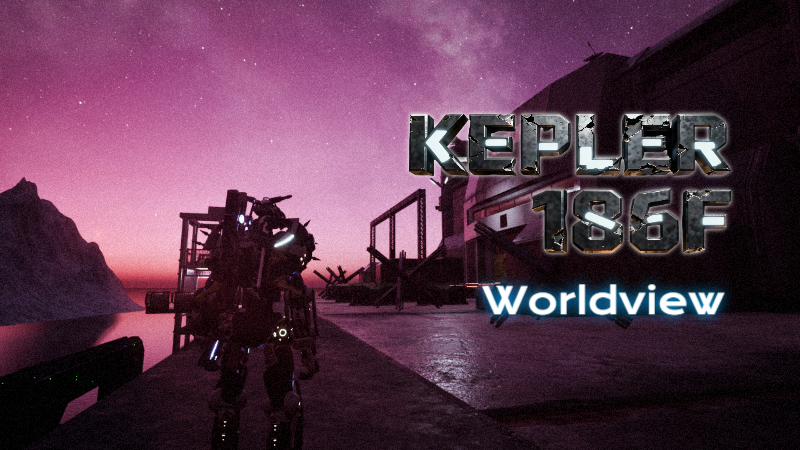
KEPLER 186F EARLY ACCESS - V0.1.1.51 - SMALL UPDATES
Hello, crisis management bots!We have been carefully reviewing all player saves, error reports, and every piece of valuable feedback you’ve shared. We have just released a new update.This update represents another important step in our ongoing commitment to enhancing the overall gaming experience of Kepler 186F. Thank you for your continued support and companionship—we will keep listening to your voices and keep making the game even better!Fixes & ImprovementsGame-relatedAdded a new map: Tianhe Data CenterAdded a base temperature indicator for the destination when entering the gameFixed issues with incorrect frame rate display in neural network mode and the lack of transition after animation playback.Adjusted the top button in the neural networkAdjusted the "Enter Game" button on the main menu; now entering the game will directly take you to "Tianhe Data Center," allowing you to select the desired scene in third-person view.Adjusted the temperature indicator when entering the game on the main menu.Adjusted the display text for area notifications.As always, your reports help guide these fixes. Please keep sending feedback through the in-game reporting tools or Discord — we read it all.More improvements coming soon.—— Axiox Media

Hello, crisis management bots!
We have been carefully reviewing all player saves, error reports, and every piece of valuable feedback you’ve shared. We have just released a new update.
This update represents another important step in our ongoing commitment to enhancing the overall gaming experience of Kepler 186F. Thank you for your continued support and companionship—we will keep listening to your voices and keep making the game even better!
Added a new map: Tianhe Data Center
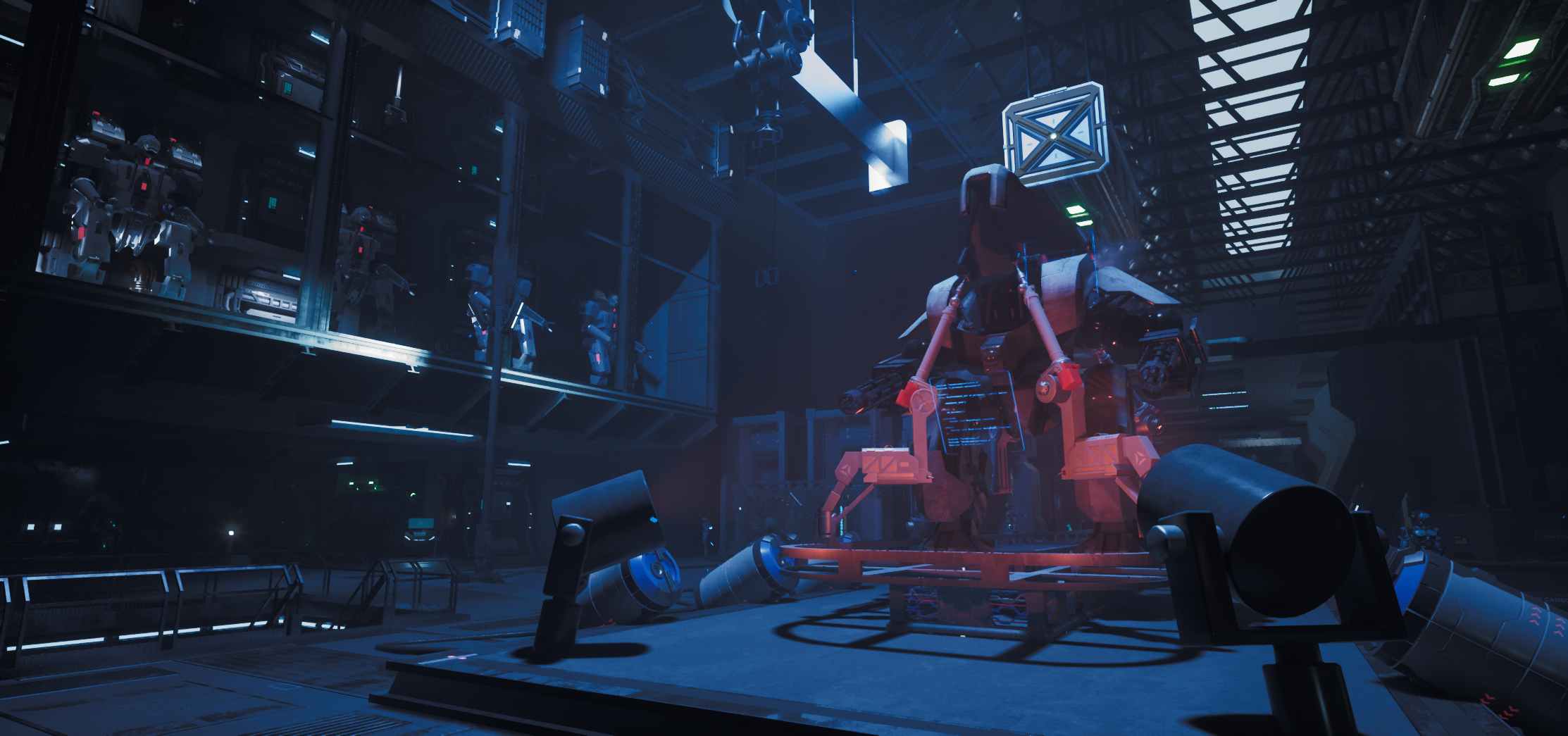
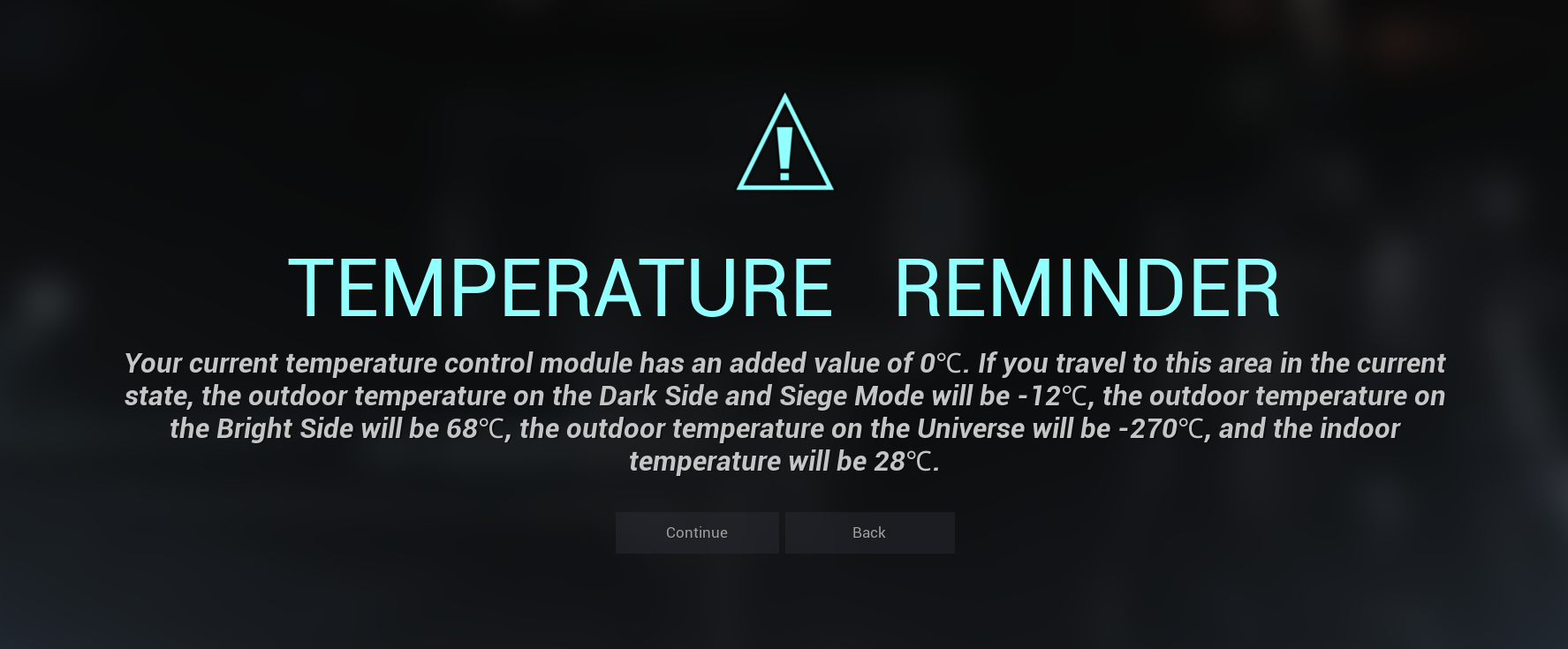
Added a base temperature indicator for the destination when entering the game
Fixed issues with incorrect frame rate display in neural network mode and the lack of transition after animation playback.
Adjusted the top button in the neural network
Adjusted the "Enter Game" button on the main menu; now entering the game will directly take you to "Tianhe Data Center," allowing you to select the desired scene in third-person view.
Adjusted the temperature indicator when entering the game on the main menu.
Adjusted the display text for area notifications.
As always, your reports help guide these fixes. Please keep sending feedback through the in-game reporting tools or Discord — we read it all.
More improvements coming soon.
—— Axiox Media
What's Your Reaction?








![[Business Talk] Chagee: Opening 3,500 stores in 6 years](https://xinker.org/uploads/images/202410/image_140x98_671afce94bf91.webp)






