




![[PRO Tips] Gold’s Bullish Revival: Seasonal Trends and Key Levels to Watch](https://xinker.org/uploads/images/202412/image_430x256_67724cc6ad0cd.webp)
![[PRO Tips] Gold Market Under Short-Term Pressure, Safe-Haven Demand and Central Bank Buying Support Long-Term Upside Potential](https://xinker.org/uploads/images/202412/image_430x256_676ffb4685287.webp)
![[PRO Tips] Analysis of 9 key points of differentiation strategy! Master differentiation to create a brand advantage that is unique in the world!](https://firebasestorage.googleapis.com/v0/b/xinker-tips.appspot.com/o/article_thumbnails%2Fscaled_differentiation%20strategy.png.png?alt=media&token=a1bfc3d2-e85a-4db7-8a6d-01c7274f8940)
![[PRO Tips] Will REITs regain growth momentum in 2024? 3 REITs ETFs you must know if you want to invest in real estate.](https://firebasestorage.googleapis.com/v0/b/xinker-tips.appspot.com/o/article_thumbnails%2Fscaled_REITs1.png.png?alt=media&token=8af4eb93-33ff-466f-8039-b6555fad52b4)
![[PRO Tips] Complete tutorial on how to make money in Adobe Stock!](https://firebasestorage.googleapis.com/v0/b/xinker-tips.appspot.com/o/article_thumbnails%2Fscaled_tut-adobe1.png.png?alt=media&token=0b2c8cf2-22bd-4142-883e-140ed1cbaf02)
![[Passive Income] Unlock the secret of passive income: 3 steps to apply for Google AdSense](https://xinker.org/uploads/images/202410/image_430x256_6717a4fb3052b.webp)
![[Passive Income] Earn over $200 a day with AI-generated articles!](https://firebasestorage.googleapis.com/v0/b/xinker-tips.appspot.com/o/article_thumbnails%2Fscaled_article1.png.png?alt=media&token=f61bf35b-8553-4719-826d-7360024adc70)
![[Passive Income] Earn over 20 USD per download with AI-generated images!](https://firebasestorage.googleapis.com/v0/b/xinker-tips.appspot.com/o/article_thumbnails%2Fscaled_adobe2.png.png?alt=media&token=3e20e76a-a907-45af-80aa-bf9b3600301f)
![[Passive Income] Earn 10 USD per new download by sharing CapCut!](https://firebasestorage.googleapis.com/v0/b/xinker-tips.appspot.com/o/article_thumbnails%2Fscaled_capcut2.png.png?alt=media&token=a04dec40-1fac-4857-86f2-19a8be02d38e)
![[Passive Income] Use your WiFi to create passive income in 5 minutes, and you can earn 4-6 U per day!](https://firebasestorage.googleapis.com/v0/b/xinker-tips.appspot.com/o/article_thumbnails%2Fscaled_Grassio.webp.png?alt=media&token=7659a95e-0e47-4f27-a17d-c942ac3cf7f4)


![[Business Talk] The Unique Theme of XINKER's Song: Beef Wellington and Business Mastery](https://xinker.org/uploads/images/202410/image_430x256_671afc155f47f.webp)
![[Business Talk] Chagee: Opening 3,500 stores in 6 years](https://xinker.org/uploads/images/202410/image_430x256_671afce80c5f9.webp)


It’s fixed! №116
Today, we’ve rounded up and will be covering some of the fixes and improvements that we’ve made to the game today and over the past weeks. If you’d like to catch up on every fixed bug, then be sure to check out the changelog section on our website. If you’ve found a bug that you’d like to report, you can do so on our community bug reporting platform.Managing Aiming PointsThe recent major update introduced the ability to set aiming points in the game. To make it easier for players to get to grips with this new feature, we've added on-screen hints to the tactical map showing which key combinations control these points. You'll only see these hints if your aircraft is capable of setting aiming points in the first place (i.e., it's equipped with GNSS-guided weapons or has an advanced enough navigational system). While we were at it, we also fixed a related bug: previously, the feature only worked if the aircraft currently had GNSS-guided munitions mounted. However, aiming points are also useful for navigation and for other weapon types, so the mechanic now works regardless of the current loadout. Adding key bindings for aiming point control created conflicts with certain free-look actions, so to avoid this, we removed the new default bindings. However, key bindings were still needed to make full use of the mechanic, particularly for assigning weapons to aiming points. Since we know not everyone has enough spare keys to bind, we've planned the interface to be the main means of controlling the mechanic from the start and so now we’ve made it possible to assign munitions to aiming points without needing separate key bindings at all, they can be assigned simply by using the tactical map. To assign a weapon to a point, just right-click on it (a hint about this now appears at the side of the map), then use the left and right mouse buttons to select as many suitable munitions as you like from the menu that appears, where handy counters show both the current and maximum available amounts. Radar Display ImprovementsWith the introduction of electronic support measures (ESM) functionality, the radar/IRST display gained an additional feature: showing ESM data. However, not everyone finds it convenient to bind a separate key or fly with a radar display showing its full set of buttons. So we've added two small new buttons to the minimal radar display view — one to toggle the ESM screen on and off, and another to switch between radar and IRST modes, both of which previously required either a key binding or enabling the display's full button set. Enjoy! Also, for aircraft that use their weapons as the ESM sensor, the display will now automatically exit ESM mode once all missiles have been expended (as at this point it is non-functional), so you no longer need to switch back to radar mode manually. Radar Mode PresetsA logic error in the interface meant that, for a number of aircraft, the game was unable to match certain radar modes with their corresponding ranges, causing both to be skipped and left out of the preset list on the respawn and test flight screens. All values are now back in place, so you can once again fully configure your radar the way you want before spawning in. Distorted DecoratorsWhen decorators are mounted on vehicles, they get rotated in space based on the slope of the armor at the mounting point. As with everywhere else in 3D graphics, this is done using transformation matrices (without getting too deep into linear algebra, these are essentially tables of numbers that point coordinates get multiplied by in order to rotate objects). A bug meant that when mounting on heavily curved armor, this transformation matrix could be calculated incorrectly, resulting in the new X, Y, and Z axes not being perpendicular to each other, which made the decorator appear warped. This has now been fixed, so decorators should display correctly as intended even on especially curved armor. Déjà Vu!The last major update introduced a bug where when moving in reverse, friction force was added to the force produced by the tracks or wheels instead of being subtracted from it, which allowed vehicles to reach some rather unseemly speeds. Some players compared it to a racing game and joked about adding a eurobeat soundtrack, while others filed reports. We're grateful to everyone, both for their vigilance and for their great sense of humor! That’s not allCheck out the full list of fixes and improvements in the update notes below! Here’s some more: keyboard arrow keys can be assigned to actions again, the "Attention to the Map" command works again when clicking the minimap if the cursor is being shown not via the Alt key, fuel jettison after using rocket boosters works again, trees no longer disappear from optics when zooming in, and the in-battle chat window width has returned to its previous value.Previous Updates:Update 2.57.1.50Update 2.57.1.43Update 2.57.1.38If you've spotted a bug in the game, please use our convenient tool to file a

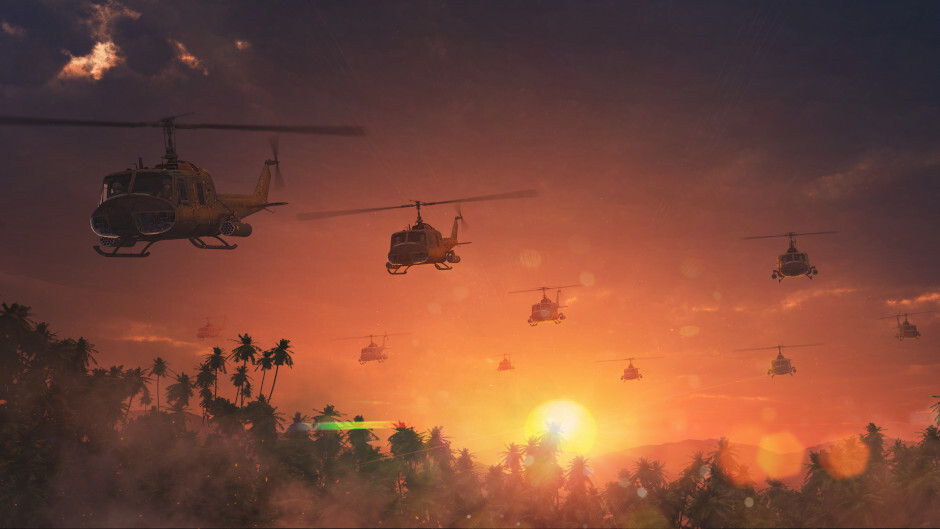
Today, we’ve rounded up and will be covering some of the fixes and improvements that we’ve made to the game today and over the past weeks. If you’d like to catch up on every fixed bug, then be sure to check out the changelog section on our website.
If you’ve found a bug that you’d like to report, you can do so on our community bug reporting platform.
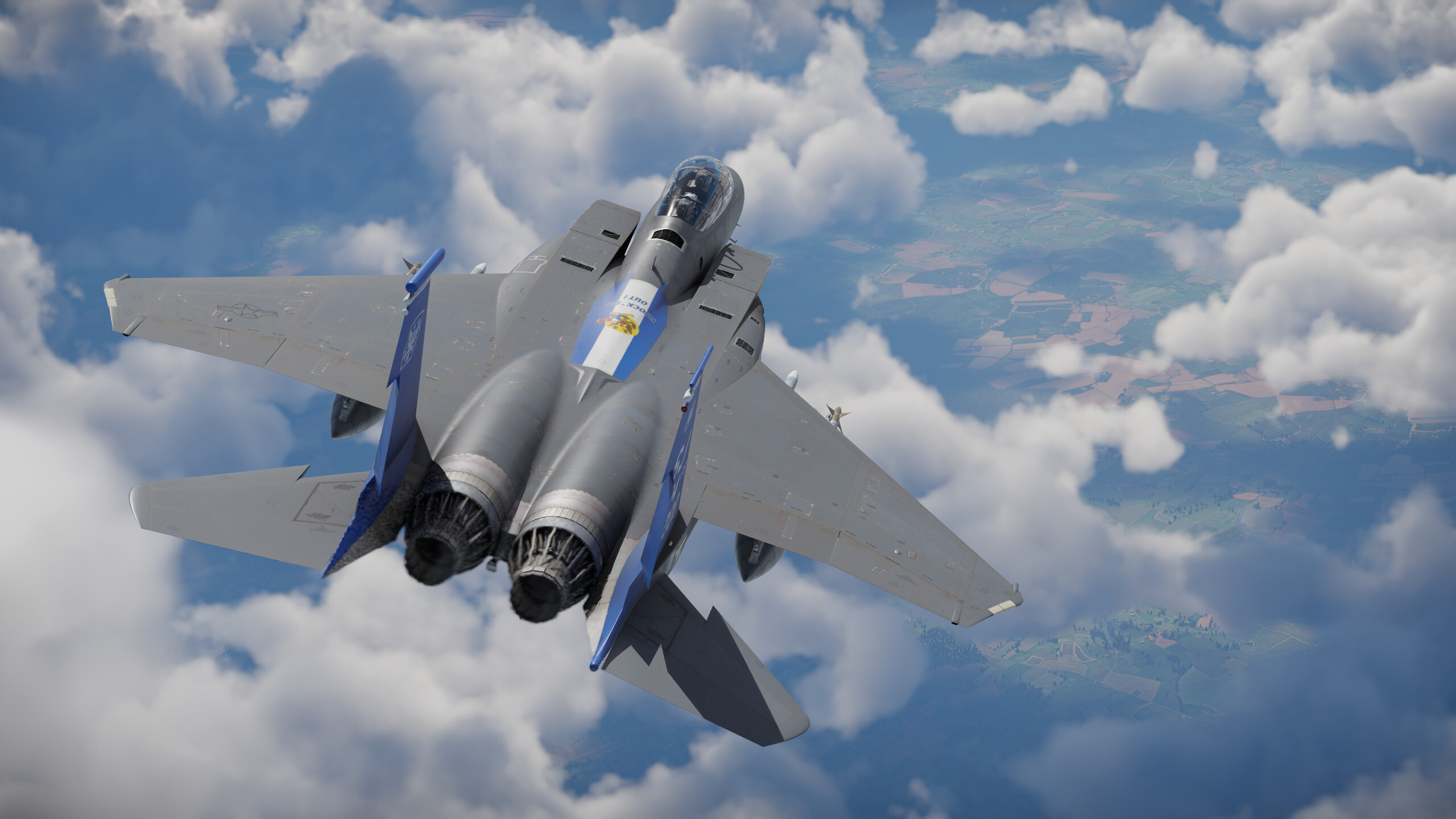
The recent major update introduced the ability to set aiming points in the game. To make it easier for players to get to grips with this new feature, we've added on-screen hints to the tactical map showing which key combinations control these points. You'll only see these hints if your aircraft is capable of setting aiming points in the first place (i.e., it's equipped with GNSS-guided weapons or has an advanced enough navigational system). While we were at it, we also fixed a related bug: previously, the feature only worked if the aircraft currently had GNSS-guided munitions mounted. However, aiming points are also useful for navigation and for other weapon types, so the mechanic now works regardless of the current loadout.
Adding key bindings for aiming point control created conflicts with certain free-look actions, so to avoid this, we removed the new default bindings. However, key bindings were still needed to make full use of the mechanic, particularly for assigning weapons to aiming points. Since we know not everyone has enough spare keys to bind, we've planned the interface to be the main means of controlling the mechanic from the start and so now we’ve made it possible to assign munitions to aiming points without needing separate key bindings at all, they can be assigned simply by using the tactical map. To assign a weapon to a point, just right-click on it (a hint about this now appears at the side of the map), then use the left and right mouse buttons to select as many suitable munitions as you like from the menu that appears, where handy counters show both the current and maximum available amounts.
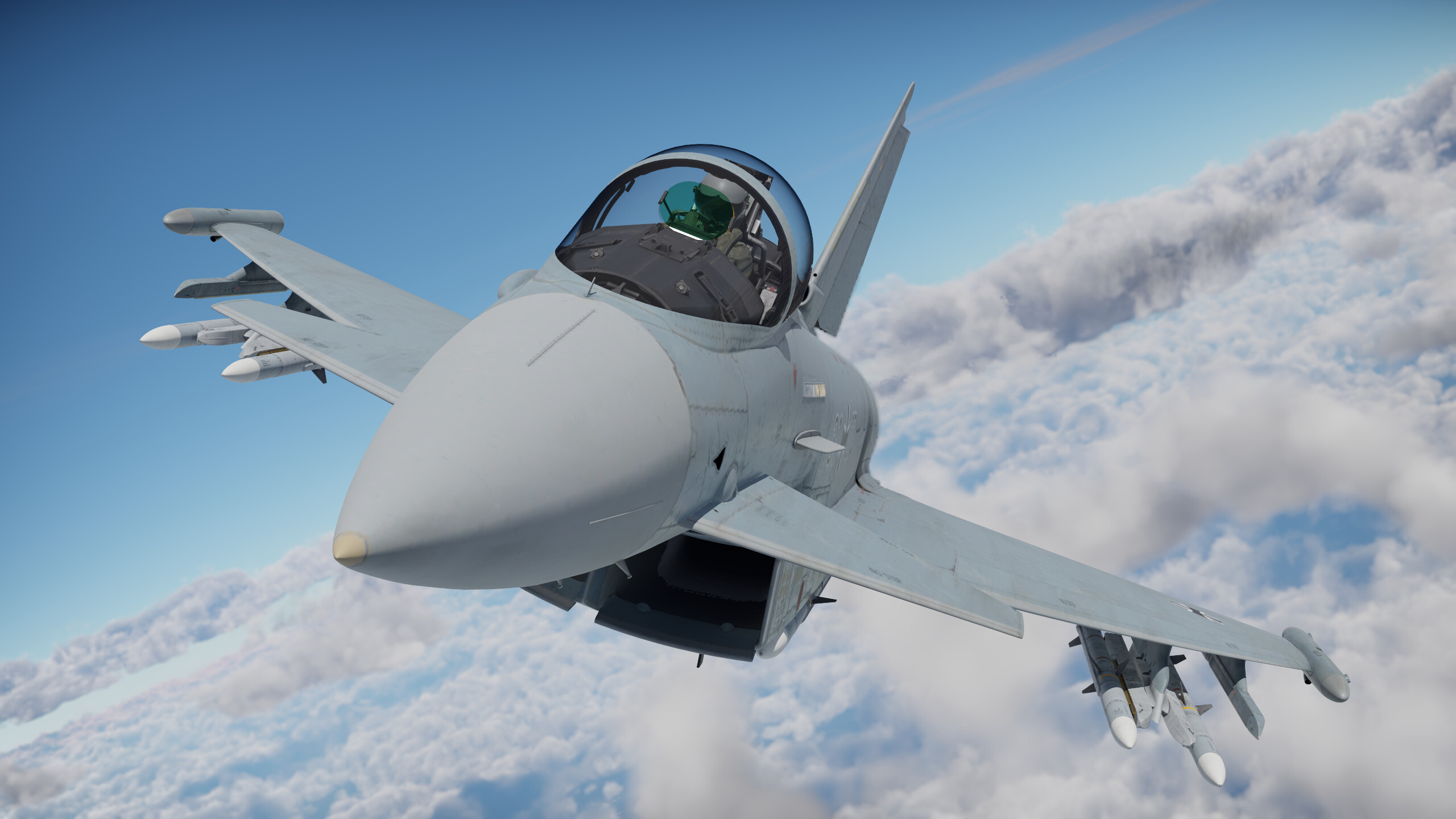
With the introduction of electronic support measures (ESM) functionality, the radar/IRST display gained an additional feature: showing ESM data. However, not everyone finds it convenient to bind a separate key or fly with a radar display showing its full set of buttons. So we've added two small new buttons to the minimal radar display view — one to toggle the ESM screen on and off, and another to switch between radar and IRST modes, both of which previously required either a key binding or enabling the display's full button set. Enjoy!
Also, for aircraft that use their weapons as the ESM sensor, the display will now automatically exit ESM mode once all missiles have been expended (as at this point it is non-functional), so you no longer need to switch back to radar mode manually.
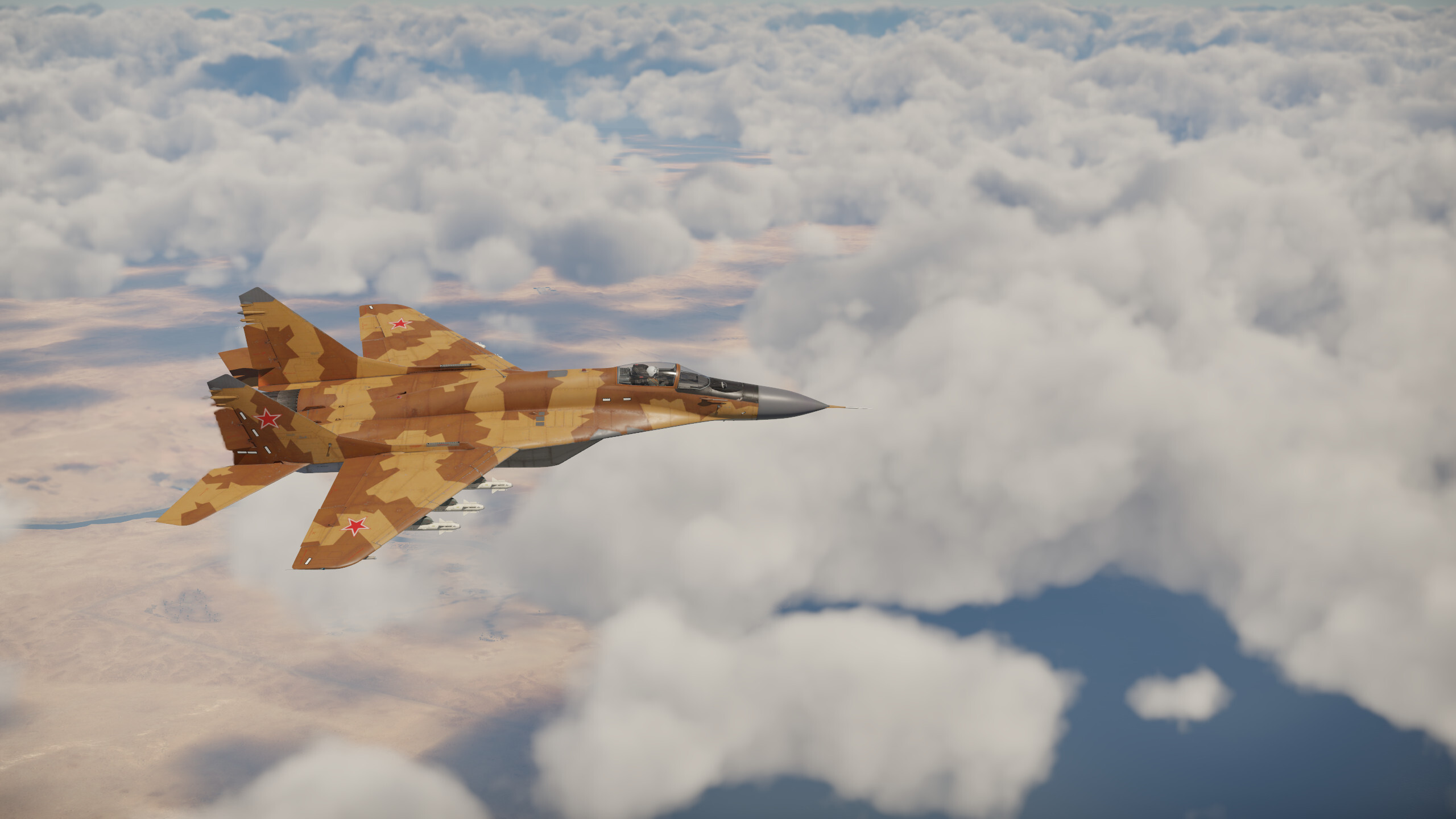
A logic error in the interface meant that, for a number of aircraft, the game was unable to match certain radar modes with their corresponding ranges, causing both to be skipped and left out of the preset list on the respawn and test flight screens. All values are now back in place, so you can once again fully configure your radar the way you want before spawning in.
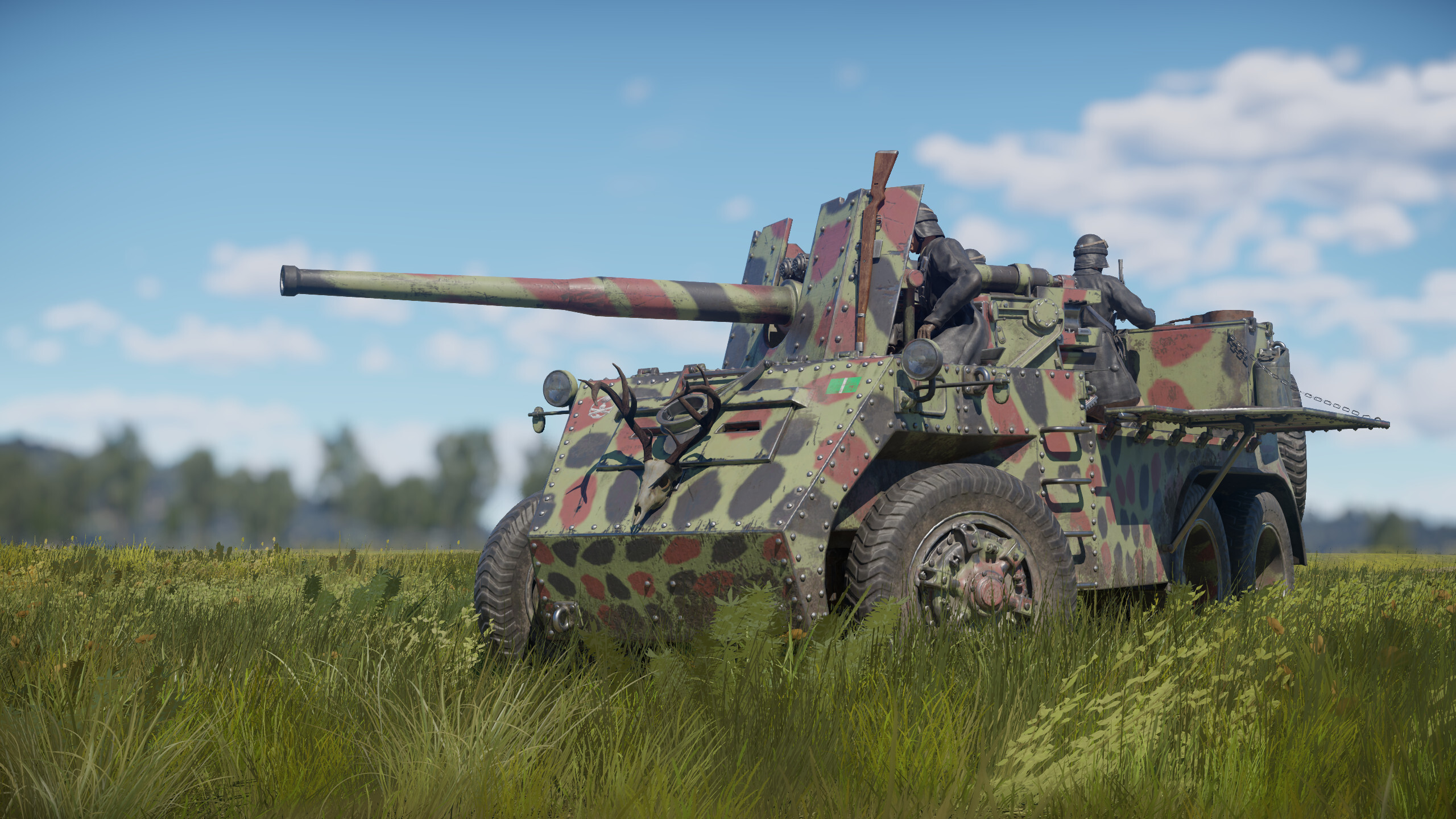
When decorators are mounted on vehicles, they get rotated in space based on the slope of the armor at the mounting point. As with everywhere else in 3D graphics, this is done using transformation matrices (without getting too deep into linear algebra, these are essentially tables of numbers that point coordinates get multiplied by in order to rotate objects). A bug meant that when mounting on heavily curved armor, this transformation matrix could be calculated incorrectly, resulting in the new X, Y, and Z axes not being perpendicular to each other, which made the decorator appear warped. This has now been fixed, so decorators should display correctly as intended even on especially curved armor.
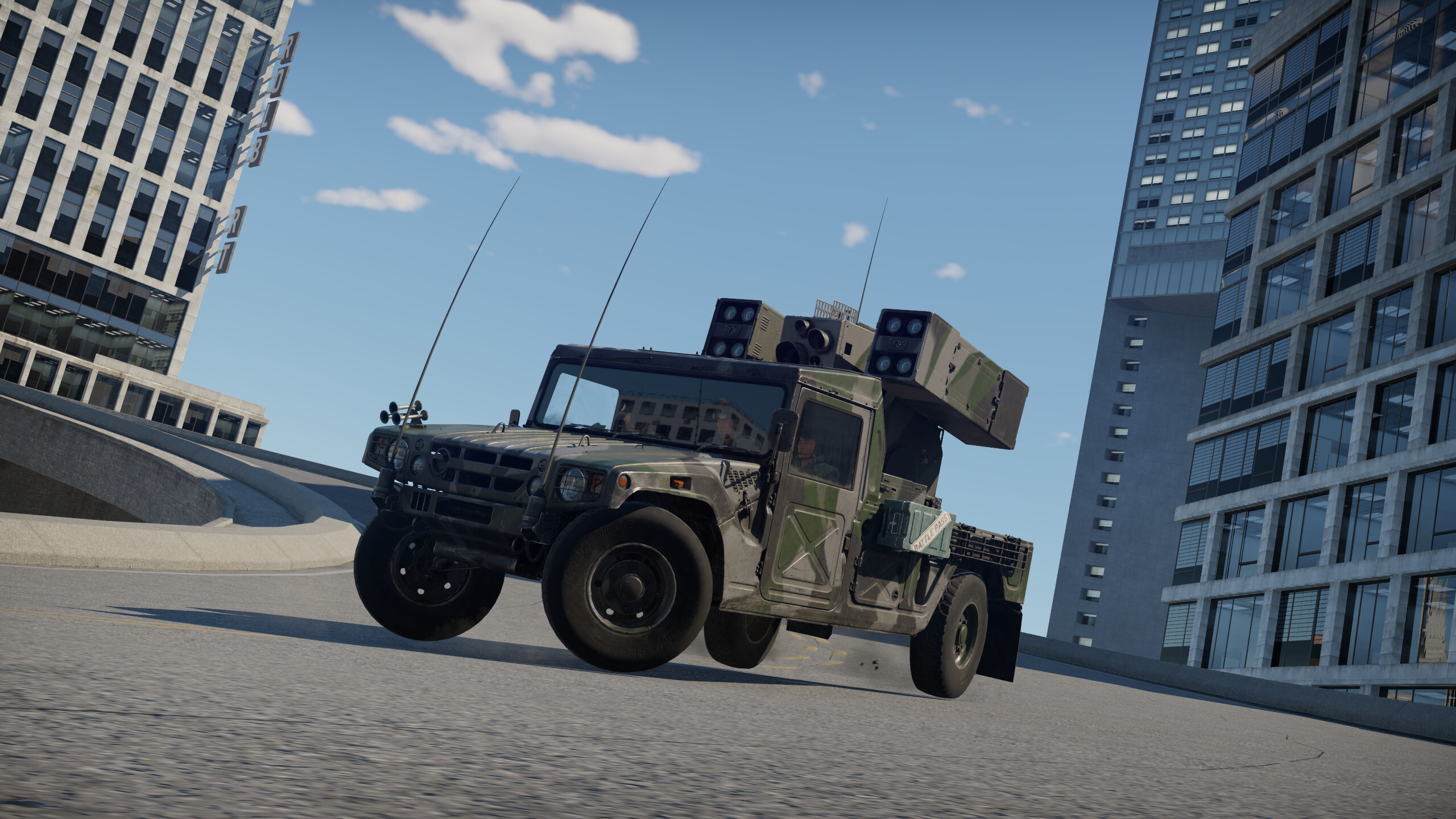
The last major update introduced a bug where when moving in reverse, friction force was added to the force produced by the tracks or wheels instead of being subtracted from it, which allowed vehicles to reach some rather unseemly speeds. Some players compared it to a racing game and joked about adding a eurobeat soundtrack, while others filed reports. We're grateful to everyone, both for their vigilance and for their great sense of humor!
Check out the full list of fixes and improvements in the update notes below! Here’s some more: keyboard arrow keys can be assigned to actions again, the "Attention to the Map" command works again when clicking the minimap if the cursor is being shown not via the Alt key, fuel jettison after using rocket boosters works again, trees no longer disappear from optics when zooming in, and the in-battle chat window width has returned to its previous value.
If you've spotted a bug in the game, please use our convenient tool to file a report.
F-14B, F-14D — a bug that caused the targeting pod to always be displayed in the X-ray view even when not equipped has been fixed. (Report).
FR-1 Fireball — a bug that caused the rockets to hang in the air when the wing was torn off has been fixed.
IA.58A Pucara — the dynamics of the Pampero rocket have been corrected, the greatly overestimated speed of the rocket has been reduced.
Su-30SM, Su-30SM2 — a limitation on the concurrent use of the underfuselage UPAB-1500 guided bomb and R-77-1 and R-27ER missiles has been introduced. (Report). A bug that caused the T220 targeting pod display on the left MFD when not installed has been fixed. (Report).
Su-25SM3 — the release sequence of the ZB-500 incendiary bombs has been corrected. (Report).
Su-25 (all variants) — the pilot model in the cockpit has been corrected to the version in the ZSh-7AP helmet.
Su-27SM — a bug that caused the Kh-31AD and R-27ER missiles to overlap on the ground display in the hangar has been fixed. (Report).
Su-30MKM (Japan) — a bug that caused the RVV-SD missile pylons to not display has been fixed. (Report).
MB-326B — a bug that caused one of the ejecting pilots to not display in the parachute has been fixed.(Report).
S.O.4050 Vautour IIN, S.O.4050 Vautour IIN (Late), S.O.4050 Vautour II (Israel) — the names of the aircraft have been corrected. (Report).
F-84G (all variants) — a bug that caused the wrong number of HVAR rockets to display in the on-hover tooltip in the secondary weapons menu has been fixed.
UH-1B, UH-1C (all variants), AB 205 A-1 — a bug that caused the category for the right-side M134 Minigun machine guns to display as a text key in the secondary weapons preset editing window has been fixed. (Report).
Orion UAV — a bug that caused the name of the UAV to display as a text key in the interface of radars with the NCTR capability has been fixed. (Report).
A bug that sometimes caused destroyed objects to appear intact for players who joined the battle in-progress has been fixed.
Suffren — the aiming angle limits for the third main caliber turret (which previously fired through the secondary caliber turrets) has been fixed. (Report).
A bug that caused the IRST status indicator to not be shown on the rectangular AA radar display has been fixed. (Report).
A bug that sometimes caused the aircraft radar screen to display outside of the screen bounds in the replays has been fixed. (Report).
A bug that caused missiles and bombs to be displayed in the shell comparison screen, which compares shells’ ballistics and penetration, has been fixed.
A bug that caused the text in the ARM stat cards to jump when hovering over the bands has been fixed.
A bug that caused some of the missions to be absent in the mission editor for attack aircraft and bombers has been fixed. The missions were: the bombing of ships, tanks, artillery, aircraft carriers; the protection of ships, tanks, artillery from bombers; the protection of ships/tanks and assault on tanks.
A bug that caused the “Mark as Favorite” hotkey to not function when navigating the decals menu with the control stick has been fixed.
Now the cursor is returned back to the Events & Tournaments block when closing the Events & Tournaments window while using the controller.
A bug that caused text keys to appear on the bottom of the screen when using manual controls for the 7th and 8th engines.
A new point named “Other Licenses” has been added to the “?” dropdown menu in the hangar where licenses for the products used in the game can be seen. Credits have been moved to this window as well.
What's Your Reaction?









![[Business Talk] Chagee: Opening 3,500 stores in 6 years](https://xinker.org/uploads/images/202410/image_140x98_671afce94bf91.webp)






