

![[PRO Tips] Gold’s Bullish Revival: Seasonal Trends and Key Levels to Watch](https://xinker.org/uploads/images/202412/image_430x256_67724cc6ad0cd.webp)
![[PRO Tips] Gold Market Under Short-Term Pressure, Safe-Haven Demand and Central Bank Buying Support Long-Term Upside Potential](https://xinker.org/uploads/images/202412/image_430x256_676ffb4685287.webp)
![[PRO Tips] Analysis of 9 key points of differentiation strategy! Master differentiation to create a brand advantage that is unique in the world!](https://firebasestorage.googleapis.com/v0/b/xinker-tips.appspot.com/o/article_thumbnails%2Fscaled_differentiation%20strategy.png.png?alt=media&token=a1bfc3d2-e85a-4db7-8a6d-01c7274f8940)
![[PRO Tips] Will REITs regain growth momentum in 2024? 3 REITs ETFs you must know if you want to invest in real estate.](https://firebasestorage.googleapis.com/v0/b/xinker-tips.appspot.com/o/article_thumbnails%2Fscaled_REITs1.png.png?alt=media&token=8af4eb93-33ff-466f-8039-b6555fad52b4)
![[PRO Tips] Complete tutorial on how to make money in Adobe Stock!](https://firebasestorage.googleapis.com/v0/b/xinker-tips.appspot.com/o/article_thumbnails%2Fscaled_tut-adobe1.png.png?alt=media&token=0b2c8cf2-22bd-4142-883e-140ed1cbaf02)
![[Passive Income] Unlock the secret of passive income: 3 steps to apply for Google AdSense](https://xinker.org/uploads/images/202410/image_430x256_6717a4fb3052b.webp)
![[Passive Income] Earn over $200 a day with AI-generated articles!](https://firebasestorage.googleapis.com/v0/b/xinker-tips.appspot.com/o/article_thumbnails%2Fscaled_article1.png.png?alt=media&token=f61bf35b-8553-4719-826d-7360024adc70)
![[Passive Income] Earn over 20 USD per download with AI-generated images!](https://firebasestorage.googleapis.com/v0/b/xinker-tips.appspot.com/o/article_thumbnails%2Fscaled_adobe2.png.png?alt=media&token=3e20e76a-a907-45af-80aa-bf9b3600301f)
![[Passive Income] Earn 10 USD per new download by sharing CapCut!](https://firebasestorage.googleapis.com/v0/b/xinker-tips.appspot.com/o/article_thumbnails%2Fscaled_capcut2.png.png?alt=media&token=a04dec40-1fac-4857-86f2-19a8be02d38e)
![[Passive Income] Use your WiFi to create passive income in 5 minutes, and you can earn 4-6 U per day!](https://firebasestorage.googleapis.com/v0/b/xinker-tips.appspot.com/o/article_thumbnails%2Fscaled_Grassio.webp.png?alt=media&token=7659a95e-0e47-4f27-a17d-c942ac3cf7f4)


![[Business Talk] The Unique Theme of XINKER's Song: Beef Wellington and Business Mastery](https://xinker.org/uploads/images/202410/image_430x256_671afc155f47f.webp)
![[Business Talk] Chagee: Opening 3,500 stores in 6 years](https://xinker.org/uploads/images/202410/image_430x256_671afce80c5f9.webp)


How to respec in No Rest for the Wicked and reset your stats
No Rest for the Wicked isn't the easiest of ARPGs to ace, but it allows you to respec and reset your character builds. The process might be quite simple, but you'll first have to clear a fair bit of in-game content. This guide will help you clear any doubts about the complete process if you're playing No Rest for the Wicked for the first time following the Together update.Table of contentsHow to reset your stats in No Rest for the WickedHow to use the Respec Totem in No Rest for the WickedHow to reset your stats in No Rest for the Wicked The key to respec your character and reset all its stats is locked behind the crafting of the Respec Totem in the Crucible.Keep completing the main campaign until you unlock the Cerim Crucible. There's a bunch of side quests to finish as well.Once you've unlocked the Cerim Crucible, head to the Atrium and start the process by sacrificing blood.Enter the Crucible, and you'll have to clear all waves until you reach floor five.You'll meet the Crucible vendor, and you can find various upgrades from him, which also includes the Respec Totem. Image via Moon Games To purchase the Respec Totem, you'll need to spend Gloamseeds Currency. You earn this currency by defeating enemies in the Crucible.How to use the Respec Totem in No Rest for the Wicked The Respec Totem will appear beside the Crucible pit. Interact with the totem, and you can respec your character. To complete the process, you'll need to spend Fallen Embers. Image via Moon Games You can keep resetting your build as many times as you want by repeating the method. This allows you to change how you want to play No Rest for the Wicked. It also reduces the chances of regret if you accidentally make a bad build. The post How to respec in No Rest for the Wicked and reset your stats appeared first on Destructoid.
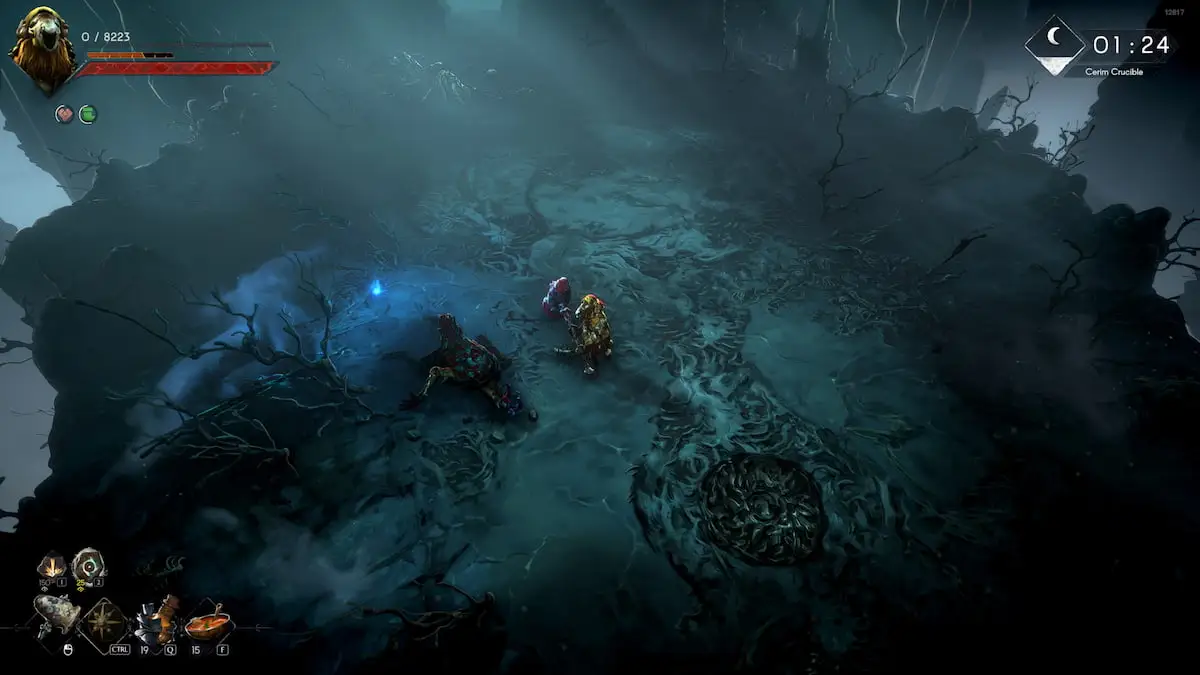
No Rest for the Wicked isn't the easiest of ARPGs to ace, but it allows you to respec and reset your character builds.
The process might be quite simple, but you'll first have to clear a fair bit of in-game content. This guide will help you clear any doubts about the complete process if you're playing No Rest for the Wicked for the first time following the Together update.
Table of contents
- How to reset your stats in No Rest for the Wicked
- How to use the Respec Totem in No Rest for the Wicked
How to reset your stats in No Rest for the Wicked
The key to respec your character and reset all its stats is locked behind the crafting of the Respec Totem in the Crucible.- Keep completing the main campaign until you unlock the Cerim Crucible. There's a bunch of side quests to finish as well.
- Once you've unlocked the Cerim Crucible, head to the Atrium and start the process by sacrificing blood.
- Enter the Crucible, and you'll have to clear all waves until you reach floor five.
- You'll meet the Crucible vendor, and you can find various upgrades from him, which also includes the Respec Totem.
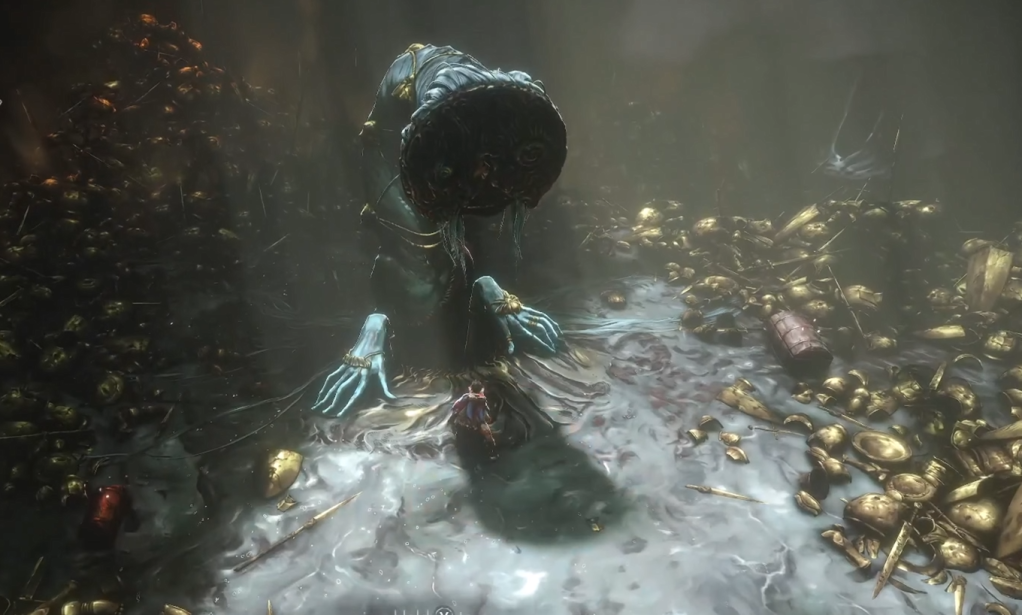 Image via Moon Games
 - To purchase the Respec Totem, you'll need to spend Gloamseeds Currency. You earn this currency by defeating enemies in the Crucible.
How to use the Respec Totem in No Rest for the Wicked
The Respec Totem will appear beside the Crucible pit. Interact with the totem, and you can respec your character. To complete the process, you'll need to spend Fallen Embers.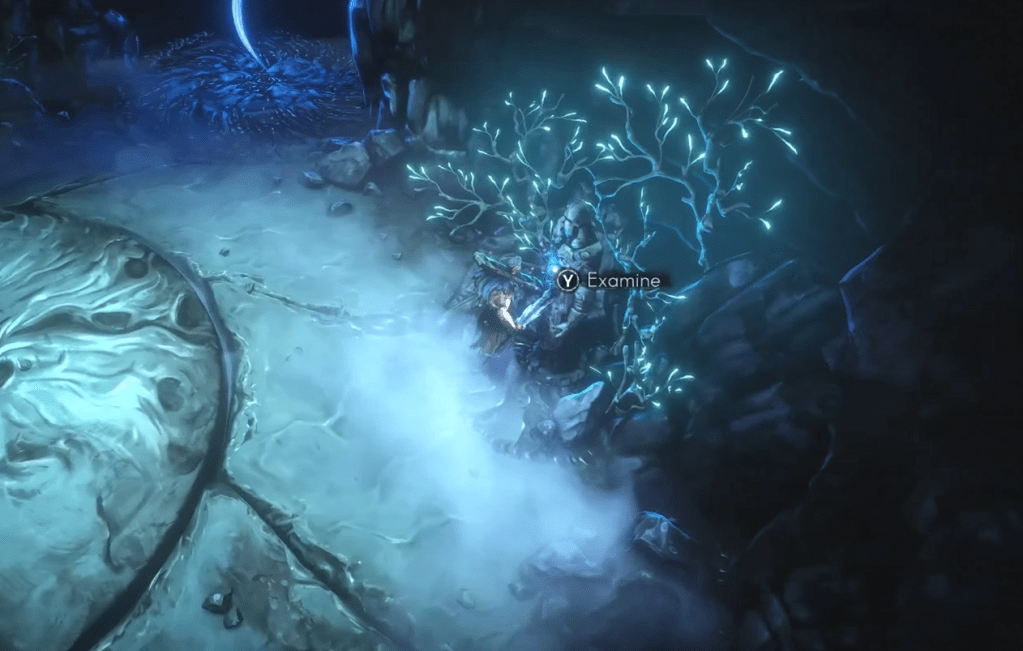 Image via Moon Games You can keep resetting your build as many times as you want by repeating the method. This allows you to change how you want to play No Rest for the Wicked. It also reduces the chances of regret if you accidentally make a bad build.
The post How to respec in No Rest for the Wicked and reset your stats appeared first on Destructoid.
What's Your Reaction?








XINKER - Business and Income Tips
Explore XINKER, the ultimate platform for mastering business strategies, discovering passive income opportunities, and learning success principles. Join a community of thinkers dedicated to achieving financial freedom and entrepreneurial excellence.