



![[PRO Tips] Gold’s Bullish Revival: Seasonal Trends and Key Levels to Watch](https://xinker.org/uploads/images/202412/image_430x256_67724cc6ad0cd.webp)
![[PRO Tips] Gold Market Under Short-Term Pressure, Safe-Haven Demand and Central Bank Buying Support Long-Term Upside Potential](https://xinker.org/uploads/images/202412/image_430x256_676ffb4685287.webp)
![[PRO Tips] Analysis of 9 key points of differentiation strategy! Master differentiation to create a brand advantage that is unique in the world!](https://firebasestorage.googleapis.com/v0/b/xinker-tips.appspot.com/o/article_thumbnails%2Fscaled_differentiation%20strategy.png.png?alt=media&token=a1bfc3d2-e85a-4db7-8a6d-01c7274f8940)
![[PRO Tips] Will REITs regain growth momentum in 2024? 3 REITs ETFs you must know if you want to invest in real estate.](https://firebasestorage.googleapis.com/v0/b/xinker-tips.appspot.com/o/article_thumbnails%2Fscaled_REITs1.png.png?alt=media&token=8af4eb93-33ff-466f-8039-b6555fad52b4)
![[PRO Tips] Complete tutorial on how to make money in Adobe Stock!](https://firebasestorage.googleapis.com/v0/b/xinker-tips.appspot.com/o/article_thumbnails%2Fscaled_tut-adobe1.png.png?alt=media&token=0b2c8cf2-22bd-4142-883e-140ed1cbaf02)
![[Passive Income] Unlock the secret of passive income: 3 steps to apply for Google AdSense](https://xinker.org/uploads/images/202410/image_430x256_6717a4fb3052b.webp)
![[Passive Income] Earn over $200 a day with AI-generated articles!](https://firebasestorage.googleapis.com/v0/b/xinker-tips.appspot.com/o/article_thumbnails%2Fscaled_article1.png.png?alt=media&token=f61bf35b-8553-4719-826d-7360024adc70)
![[Passive Income] Earn over 20 USD per download with AI-generated images!](https://firebasestorage.googleapis.com/v0/b/xinker-tips.appspot.com/o/article_thumbnails%2Fscaled_adobe2.png.png?alt=media&token=3e20e76a-a907-45af-80aa-bf9b3600301f)
![[Passive Income] Earn 10 USD per new download by sharing CapCut!](https://firebasestorage.googleapis.com/v0/b/xinker-tips.appspot.com/o/article_thumbnails%2Fscaled_capcut2.png.png?alt=media&token=a04dec40-1fac-4857-86f2-19a8be02d38e)
![[Passive Income] Use your WiFi to create passive income in 5 minutes, and you can earn 4-6 U per day!](https://firebasestorage.googleapis.com/v0/b/xinker-tips.appspot.com/o/article_thumbnails%2Fscaled_Grassio.webp.png?alt=media&token=7659a95e-0e47-4f27-a17d-c942ac3cf7f4)


![[Business Talk] The Unique Theme of XINKER's Song: Beef Wellington and Business Mastery](https://xinker.org/uploads/images/202410/image_430x256_671afc155f47f.webp)
![[Business Talk] Chagee: Opening 3,500 stores in 6 years](https://xinker.org/uploads/images/202410/image_430x256_671afce80c5f9.webp)


How to Play Deadlock in 2026?
Deadlock is Valve’s upcoming MOBA title, and despite the game being in Early Access as well as having an official Steam page, there’s no way to add it to your library or play it. Ever since its first appearance on Steam, Deadlock has been an invite-only multiplayer title to date, and if you were wondering how to get into the Early Access, read on below to find out.Steps to Join Deadlock’s Early Access Playtest As we mentioned earlier, Deadlock’s Early Access Playtest is invite-only, and if you weren’t lucky enough to receive an invite code directly from Valve to join the Playtest, here’s what you need to do:Head to the official Steam page for Deadlock.Scroll down and check who owns the game under the “Is this game relevant to you?” section.Message any one of them asking for an invite.If they’re generous, they will send you an invite. So, to join the game’s playtest in 2026, you need to have friends who own the game on Steam and ask them for an invite. If your friend sends you an invite, you’ll receive it in around 3 days or less via the email account linked to your Steam account. After receiving the invite mail, click “View Invite” and add Deadlock to your Steam library. If you already have the game in your library and want your friends to join the Playtest, launch Deadlock, click the “Invite your Friends” button, and select which friend on Steam you want to invite. Where to Find Invites for Deadlock’s Early Access Playtest? Image Credit: Valve If you don’t own the game and do not have friends who own it either, there are various platforms that you can scour to get an invite. Here’s a list of platforms where you can potentially get an invite for the Deadlock Early Access Playtest on Steam:Deadlock’s Community Hub is filled with players who are keen on sending out invites. However, they could scam you, so before you add any of the players as friends on Steam, verify their credibility.r/DeadlockTheGame, which is the game’s official subreddit, is a good place to look for players who will send invites. Scroll through the pinned Community Highlights and access the Megathread for invites. Ask for invites in the replies of the Megathread, and if someone’s up for it, add them on Steam. Be sure to join the game’s Community Discord to look for more players who can send you an invite via the deadlock-invite-giveaway channel. It’s worth remembering that the invites will arrive only through your email from Valve, so don’t click on any links or direct messages for getting an invite to the game’s Playtest. Never engage with a player who’s asking for payment to send out invites or someone who was banned for cheating in the game, as it will land you in a truckload of trouble. If you’re confused about how to add friends on Steam, head to the Friends tab from your profile username, click on “Add a Friend”, copy your Friend Code, and send it to the person you want to add as a friend on the platform. However, you’ll notice many players are listing their own codes for sending invites to others, so copy and paste them in the Friend Code box to add them as a friend on Steam. Valve’s upcoming multiplayer shooter doesn’t have a release date or window yet, and it can only be accessed using invites from friends on Steam. You can wishlist the title for now and hope that you can get an invite from a player who already owns it.GameDeadlockDeveloperValveRelease DateTo Be Announced So, have you received an invite for Deadlock’s Early Access Playtest yet? Let us know in the comments section below.
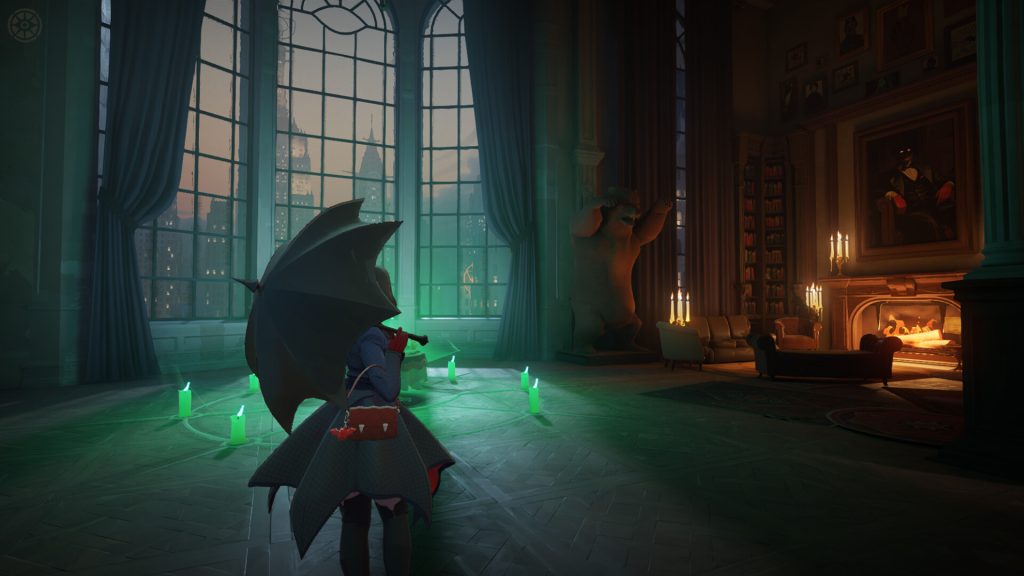
Deadlock is Valve’s upcoming MOBA title, and despite the game being in Early Access as well as having an official Steam page, there’s no way to add it to your library or play it. Ever since its first appearance on Steam, Deadlock has been an invite-only multiplayer title to date, and if you were wondering how to get into the Early Access, read on below to find out.
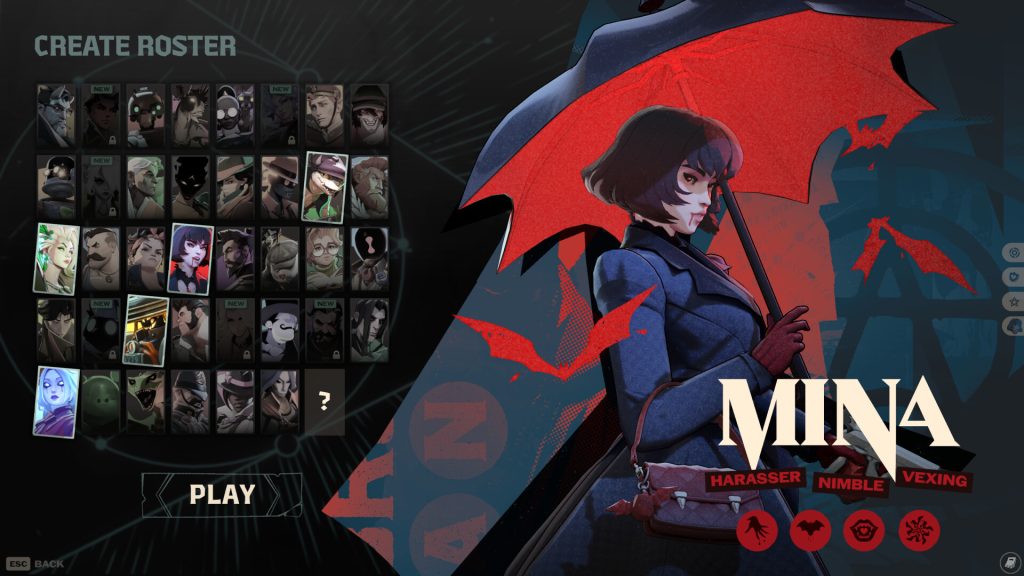
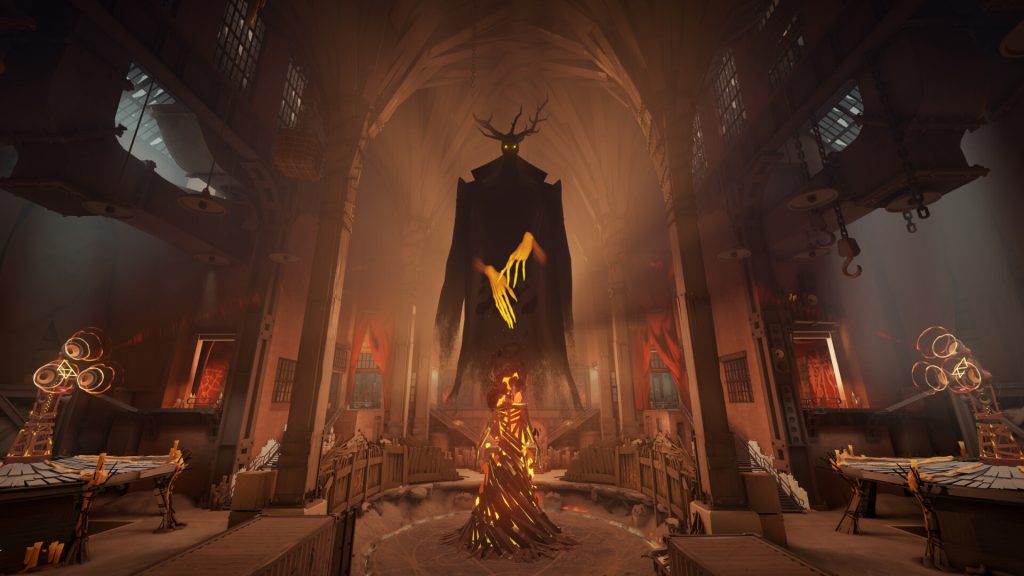

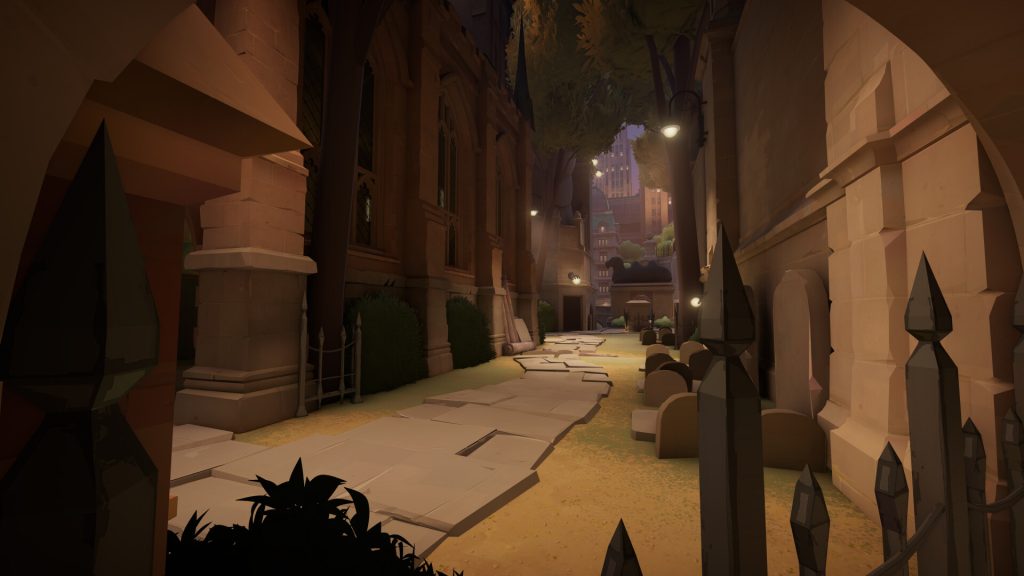 As we mentioned earlier, Deadlock’s Early Access Playtest is invite-only, and if you weren’t lucky enough to receive an invite code directly from Valve to join the Playtest, here’s what you need to do:
If you already have the game in your library and want your friends to join the Playtest, launch Deadlock, click the “Invite your Friends” button, and select which friend on Steam you want to invite.
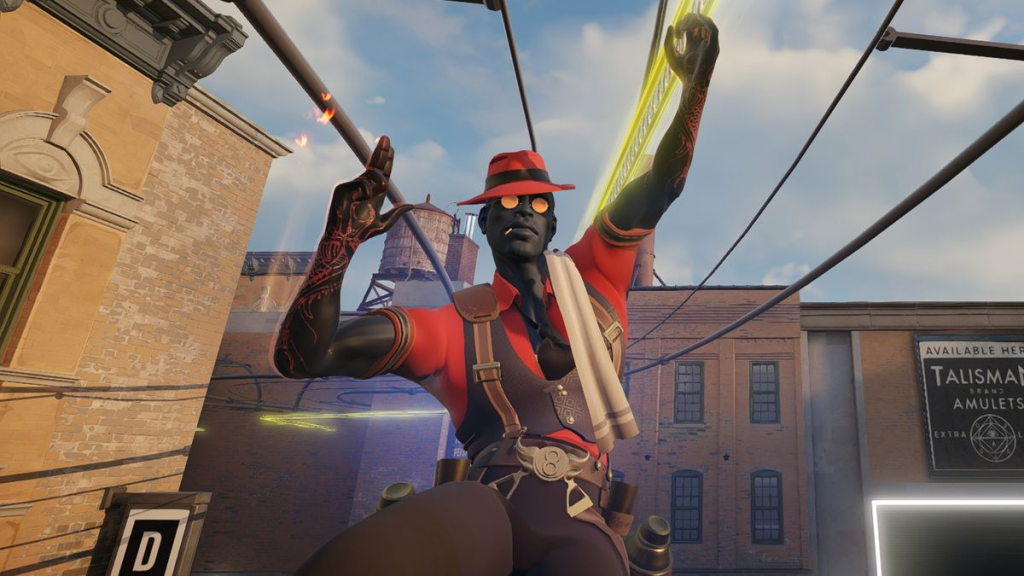 Image Credit: Valve If you don’t own the game and do not have friends who own it either, there are various platforms that you can scour to get an invite. Here’s a list of platforms where you can potentially get an invite for the Deadlock Early Access Playtest on Steam:
If you’re confused about how to add friends on Steam, head to the Friends tab from your profile username, click on “Add a Friend”, copy your Friend Code, and send it to the person you want to add as a friend on the platform. However, you’ll notice many players are listing their own codes for sending invites to others, so copy and paste them in the Friend Code box to add them as a friend on Steam.
Valve’s upcoming multiplayer shooter doesn’t have a release date or window yet, and it can only be accessed using invites from friends on Steam. You can wishlist the title for now and hope that you can get an invite from a player who already owns it.
So, have you received an invite for Deadlock’s Early Access Playtest yet? Let us know in the comments section below.
Steps to Join Deadlock’s Early Access Playtest
As we mentioned earlier, Deadlock’s Early Access Playtest is invite-only, and if you weren’t lucky enough to receive an invite code directly from Valve to join the Playtest, here’s what you need to do:- Head to the official Steam page for Deadlock.
- Scroll down and check who owns the game under the “Is this game relevant to you?” section.
- Message any one of them asking for an invite.
- If they’re generous, they will send you an invite.
If you already have the game in your library and want your friends to join the Playtest, launch Deadlock, click the “Invite your Friends” button, and select which friend on Steam you want to invite.
Where to Find Invites for Deadlock’s Early Access Playtest?
Image Credit: Valve If you don’t own the game and do not have friends who own it either, there are various platforms that you can scour to get an invite. Here’s a list of platforms where you can potentially get an invite for the Deadlock Early Access Playtest on Steam:- Deadlock’s Community Hub is filled with players who are keen on sending out invites. However, they could scam you, so before you add any of the players as friends on Steam, verify their credibility.
- r/DeadlockTheGame, which is the game’s official subreddit, is a good place to look for players who will send invites. Scroll through the pinned Community Highlights and access the Megathread for invites. Ask for invites in the replies of the Megathread, and if someone’s up for it, add them on Steam.
- Be sure to join the game’s Community Discord to look for more players who can send you an invite via the deadlock-invite-giveaway channel.
If you’re confused about how to add friends on Steam, head to the Friends tab from your profile username, click on “Add a Friend”, copy your Friend Code, and send it to the person you want to add as a friend on the platform. However, you’ll notice many players are listing their own codes for sending invites to others, so copy and paste them in the Friend Code box to add them as a friend on Steam.
Valve’s upcoming multiplayer shooter doesn’t have a release date or window yet, and it can only be accessed using invites from friends on Steam. You can wishlist the title for now and hope that you can get an invite from a player who already owns it.
Game
Deadlock
Developer
Valve
Release Date
To Be Announced
What's Your Reaction?








XINKER - Business and Income Tips
Explore XINKER, the ultimate platform for mastering business strategies, discovering passive income opportunities, and learning success principles. Join a community of thinkers dedicated to achieving financial freedom and entrepreneurial excellence.