

![[PRO Tips] Gold’s Bullish Revival: Seasonal Trends and Key Levels to Watch](https://xinker.org/uploads/images/202412/image_430x256_67724cc6ad0cd.webp)
![[PRO Tips] Gold Market Under Short-Term Pressure, Safe-Haven Demand and Central Bank Buying Support Long-Term Upside Potential](https://xinker.org/uploads/images/202412/image_430x256_676ffb4685287.webp)
![[PRO Tips] Analysis of 9 key points of differentiation strategy! Master differentiation to create a brand advantage that is unique in the world!](https://firebasestorage.googleapis.com/v0/b/xinker-tips.appspot.com/o/article_thumbnails%2Fscaled_differentiation%20strategy.png.png?alt=media&token=a1bfc3d2-e85a-4db7-8a6d-01c7274f8940)
![[PRO Tips] Will REITs regain growth momentum in 2024? 3 REITs ETFs you must know if you want to invest in real estate.](https://firebasestorage.googleapis.com/v0/b/xinker-tips.appspot.com/o/article_thumbnails%2Fscaled_REITs1.png.png?alt=media&token=8af4eb93-33ff-466f-8039-b6555fad52b4)
![[PRO Tips] Complete tutorial on how to make money in Adobe Stock!](https://firebasestorage.googleapis.com/v0/b/xinker-tips.appspot.com/o/article_thumbnails%2Fscaled_tut-adobe1.png.png?alt=media&token=0b2c8cf2-22bd-4142-883e-140ed1cbaf02)
![[Passive Income] Unlock the secret of passive income: 3 steps to apply for Google AdSense](https://xinker.org/uploads/images/202410/image_430x256_6717a4fb3052b.webp)
![[Passive Income] Earn over $200 a day with AI-generated articles!](https://firebasestorage.googleapis.com/v0/b/xinker-tips.appspot.com/o/article_thumbnails%2Fscaled_article1.png.png?alt=media&token=f61bf35b-8553-4719-826d-7360024adc70)
![[Passive Income] Earn over 20 USD per download with AI-generated images!](https://firebasestorage.googleapis.com/v0/b/xinker-tips.appspot.com/o/article_thumbnails%2Fscaled_adobe2.png.png?alt=media&token=3e20e76a-a907-45af-80aa-bf9b3600301f)
![[Passive Income] Earn 10 USD per new download by sharing CapCut!](https://firebasestorage.googleapis.com/v0/b/xinker-tips.appspot.com/o/article_thumbnails%2Fscaled_capcut2.png.png?alt=media&token=a04dec40-1fac-4857-86f2-19a8be02d38e)
![[Passive Income] Use your WiFi to create passive income in 5 minutes, and you can earn 4-6 U per day!](https://firebasestorage.googleapis.com/v0/b/xinker-tips.appspot.com/o/article_thumbnails%2Fscaled_Grassio.webp.png?alt=media&token=7659a95e-0e47-4f27-a17d-c942ac3cf7f4)


![[Business Talk] The Unique Theme of XINKER's Song: Beef Wellington and Business Mastery](https://xinker.org/uploads/images/202410/image_430x256_671afc155f47f.webp)
![[Business Talk] Chagee: Opening 3,500 stores in 6 years](https://xinker.org/uploads/images/202410/image_430x256_671afce80c5f9.webp)


How to use Cruise Mode in Starfield? Free Lanes encounters and more
The Free Lanes update is now available on all platforms, and Starfield players can now fly through space and travel between different planets. Unlike the instant jump mechanism that was previously in place, you can now enjoy the adventures of actually travelling in space. At its heart lies the brand new Cruise mode that makes all of it possible.Table of contentsHow to use the Cruise Mode in StarfieldStarfield Free Lanes encounters explainedHow to use the Cruise Mode in Starfield As usual, you'll need to be on your ship. Once it's in space, you'll now be able to activate the Cruise Mode. You'll need to wait for a prompt to appear that allows you to press the L1/LB button to activate the mode. Once activated, you'll now be able to expand your viewing area and decide the direction in which the ship will travel. Press the L3/LS button to accelerate and cover distances more quickly. When you're travelling in Cruise mode, a marker can sometimes appear on the screen. They will usually hint at any item of interest that might pop up in the space. You can select the item and press R1/RB to engage the autopilot mode to travel in a definite direction. Image via Bethesda That way, you can reach a target location without having to fly all the way manually. Once your ship reaches the location, it will automatically slow down for your convenience. During the Cruise mode, you can also exit your cockpit by pressing the Circle/B button. You can then explore the insides of your ship, interact with your crew, and more.Starfield Free Lanes encounters explained When you're flying your ship in Cruise mode, Free Lanes encounters can show up randomly. These are random points of interest that can show up in teh space when you travel. Sometimes, they will allow you to enjoy additional interactions with NPCs. Some of those will be beneficial for your adventures. Others might just be entertaining tales that you'll be able to enjoy. Image via Bethesda Overall, if you have time to play teh game at a slower pace, the Cruise mode and the Free Lanes encounters are a really fun addition that truly brings the joys of space exploration to the front. The post How to use Cruise Mode in Starfield? Free Lanes encounters and more appeared first on Destructoid.
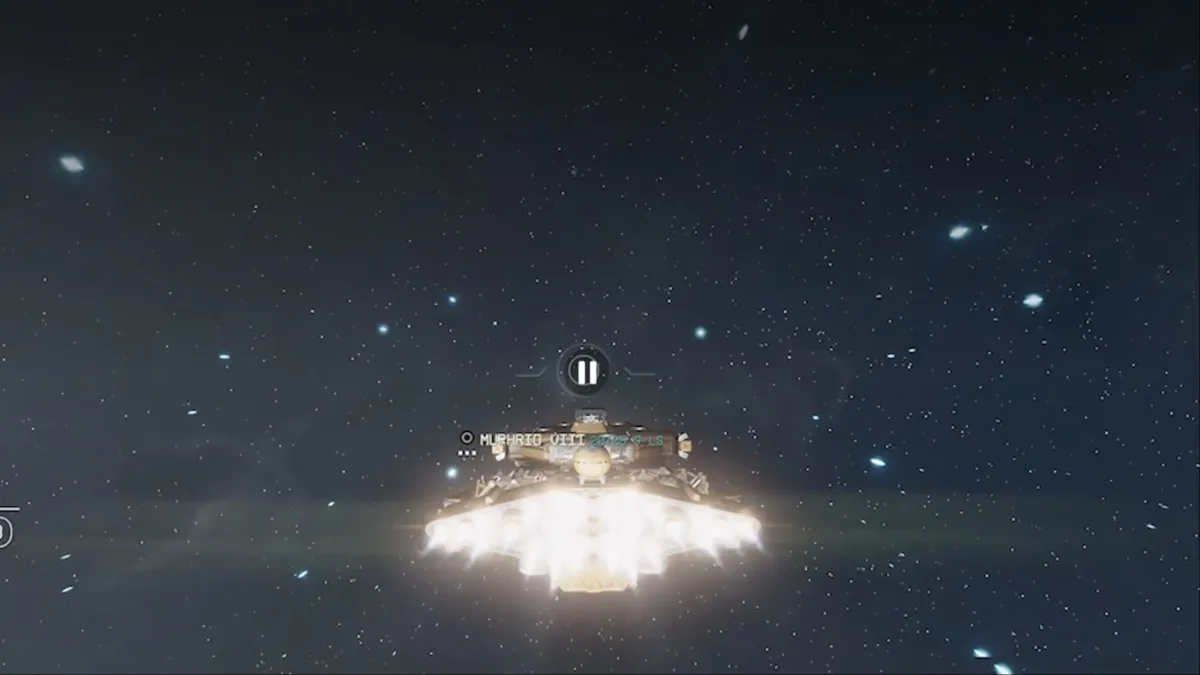
The Free Lanes update is now available on all platforms, and Starfield players can now fly through space and travel between different planets. Unlike the instant jump mechanism that was previously in place, you can now enjoy the adventures of actually travelling in space.
At its heart lies the brand new Cruise mode that makes all of it possible.
Table of contents
How to use the Cruise Mode in Starfield
As usual, you'll need to be on your ship. Once it's in space, you'll now be able to activate the Cruise Mode. You'll need to wait for a prompt to appear that allows you to press the L1/LB button to activate the mode.Once activated, you'll now be able to expand your viewing area and decide the direction in which the ship will travel. Press the L3/LS button to accelerate and cover distances more quickly. When you're travelling in Cruise mode, a marker can sometimes appear on the screen. They will usually hint at any item of interest that might pop up in the space. You can select the item and press R1/RB to engage the autopilot mode to travel in a definite direction.
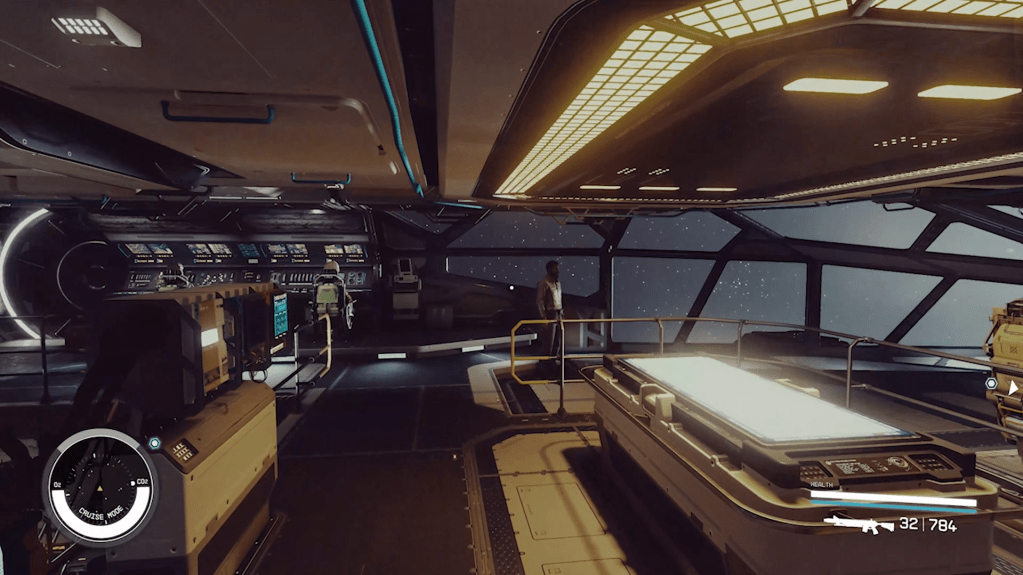 Image via Bethesda That way, you can reach a target location without having to fly all the way manually. Once your ship reaches the location, it will automatically slow down for your convenience. During the Cruise mode, you can also exit your cockpit by pressing the Circle/B button. You can then explore the insides of your ship, interact with your crew, and more.
Starfield Free Lanes encounters explained
When you're flying your ship in Cruise mode, Free Lanes encounters can show up randomly. These are random points of interest that can show up in teh space when you travel. Sometimes, they will allow you to enjoy additional interactions with NPCs. Some of those will be beneficial for your adventures. Others might just be entertaining tales that you'll be able to enjoy.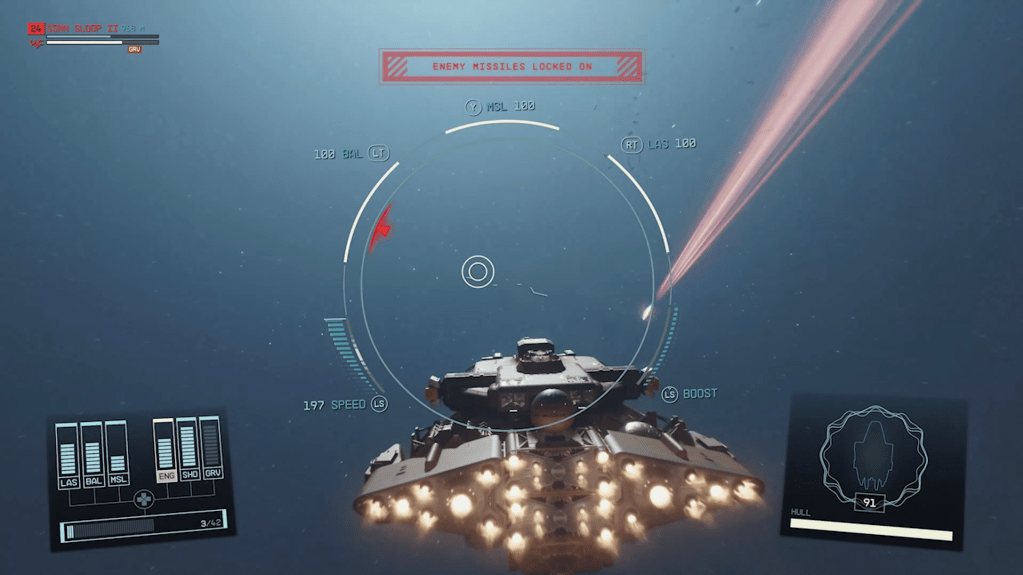 Image via Bethesda Overall, if you have time to play teh game at a slower pace, the Cruise mode and the Free Lanes encounters are a really fun addition that truly brings the joys of space exploration to the front.
The post How to use Cruise Mode in Starfield? Free Lanes encounters and more appeared first on Destructoid.
What's Your Reaction?








XINKER - Business and Income Tips
Explore XINKER, the ultimate platform for mastering business strategies, discovering passive income opportunities, and learning success principles. Join a community of thinkers dedicated to achieving financial freedom and entrepreneurial excellence.