
![[Update Announcement] 8/22 Update](https://clan.akamai.steamstatic.com/images/45858895/b15a64f5cc15fc6798c96c153e270ade4691a1ce.png?#)


How to transfer your demo save data
Aincrad will remember you ⚔️ To transfer save data, the main game must be updated to the latest version. Please connect to the network and install the latest update.Be sure to carefully read the notes at the bottom of this page before proceeding.Launch the full version of the main game and confirm the required agreements. If demo save data is detected, select “Carry over” from the prompt that appears.*All save data slots will be transferred.On the transfer confirmation screen, press and hold “Confirm”.Once the transfer is successful, select “Close”, then choose “Game Start” from the title screen.You can load your demo save data from the save data selection screen.Notes To transfer save data, the main game must be updated to the latest version. Even if you start the full version of the main game without applying the latest update, you can still transfer save data after updating later. When you launch the full version for the first time, a confirmation screen will appear asking if you wish to carry over your trial version data.- However, once you select “Do not carry over” and confirm, the confirmation screen will not appear on subsequent launches.- In that case, you can redo the data transfer by deleting all save slots from the save data selection screen in the full version, then creating a new save file again.- Please be careful not to delete your DEMO Version save data from your device (console or PC). Save data carried over from the DEMO Version cannot be switched to Death Game mode. If Death Game Mode has been unlocked, it can be selected when creating a second or subsequent save file. If demo save data is transferred, all save data slots will be carried over. Please note that some specifications of the DEMO Version may differ from those of the full version. Data transfer is ONLY possible between the same platform.
Aincrad will remember you ⚔️
To transfer save data, the main game must be updated to the latest version. Please connect to the network and install the latest update.
Be sure to carefully read the notes at the bottom of this page before proceeding.
Be sure to carefully read the notes at the bottom of this page before proceeding.
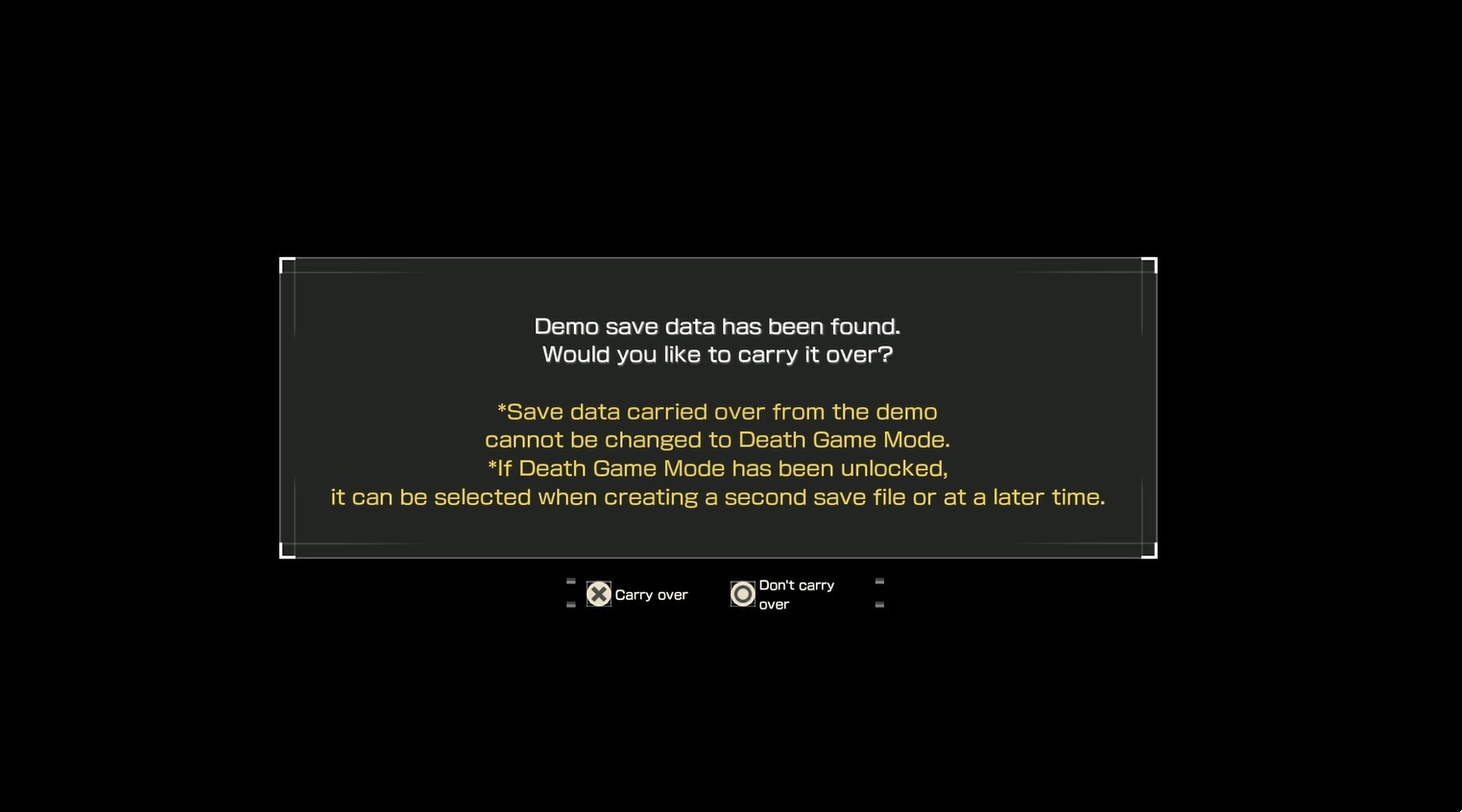
Launch the full version of the main game and confirm the required agreements.
If demo save data is detected, select “Carry over” from the prompt that appears.
*All save data slots will be transferred.
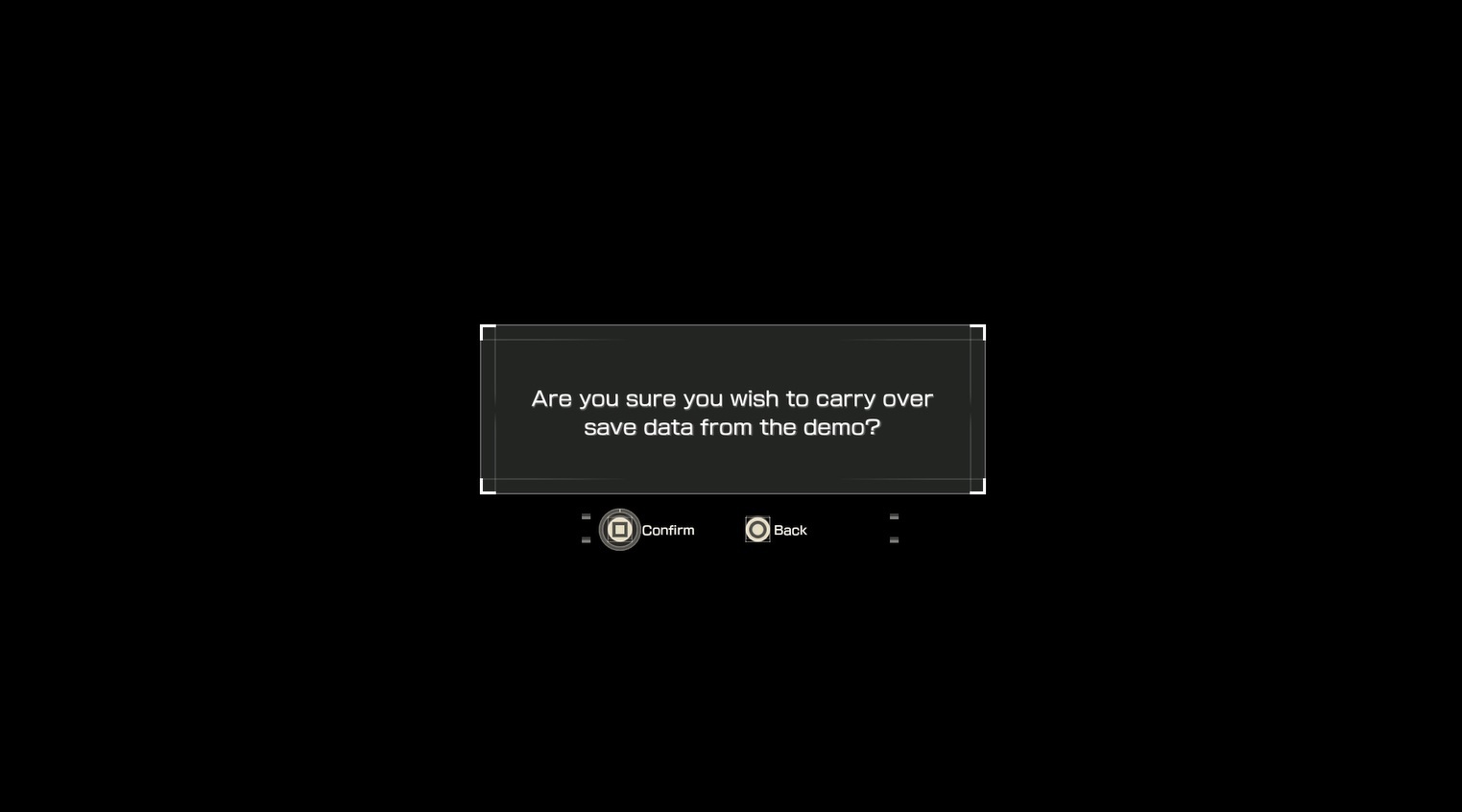
On the transfer confirmation screen, press and hold “Confirm”.
Once the transfer is successful, select “Close”, then choose “Game Start” from the title screen.
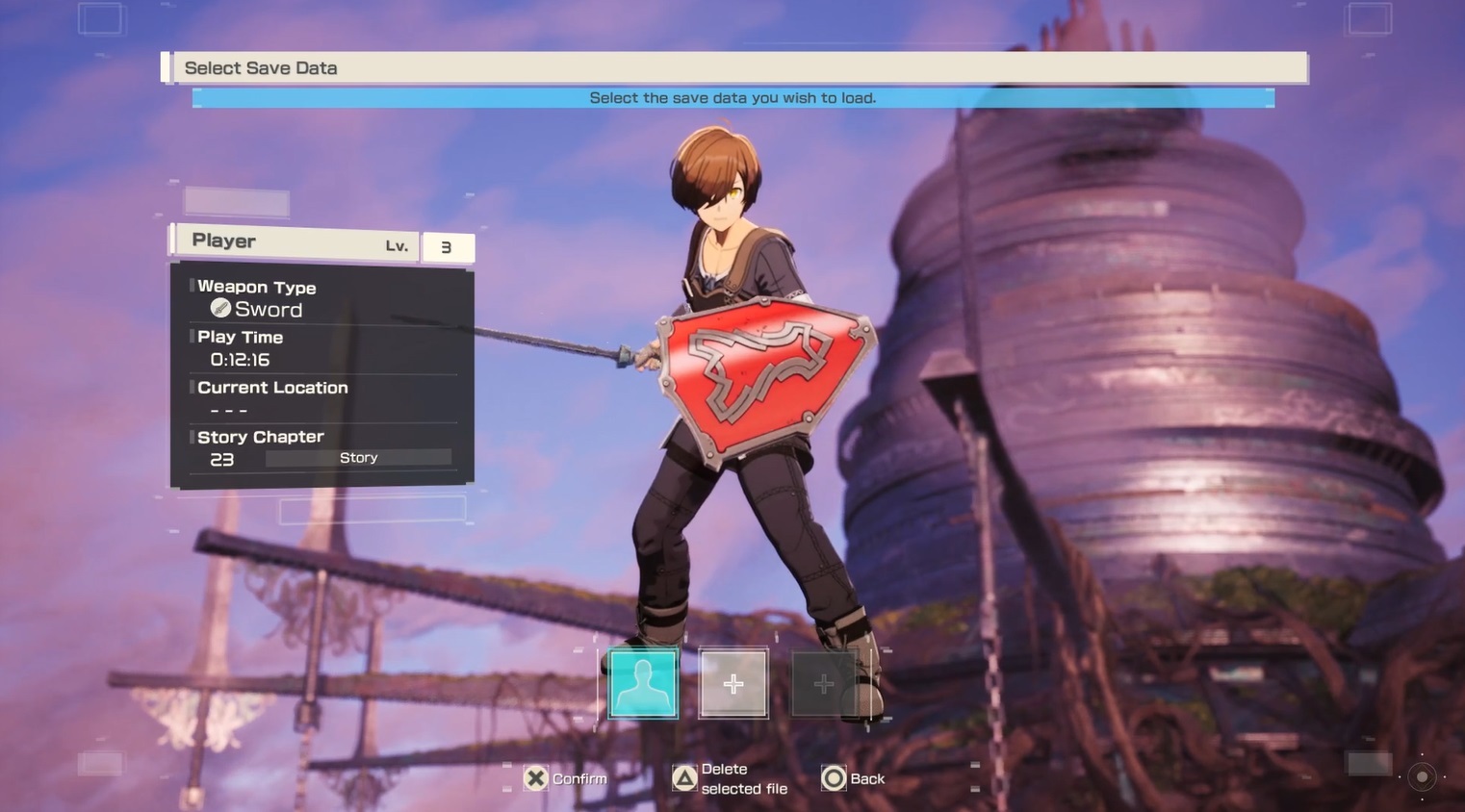
You can load your demo save data from the save data selection screen.
Notes
- To transfer save data, the main game must be updated to the latest version.
- Even if you start the full version of the main game without applying the latest update, you can still transfer save data after updating later.
- When you launch the full version for the first time, a confirmation screen will appear asking if you wish to carry over your trial version data.
- However, once you select “Do not carry over” and confirm, the confirmation screen will not appear on subsequent launches.
- In that case, you can redo the data transfer by deleting all save slots from the save data selection screen in the full version, then creating a new save file again.
- Please be careful not to delete your DEMO Version save data from your device (console or PC). - Save data carried over from the DEMO Version cannot be switched to Death Game mode.
- If Death Game Mode has been unlocked, it can be selected when creating a second or subsequent save file.
- If demo save data is transferred, all save data slots will be carried over.
- Please note that some specifications of the DEMO Version may differ from those of the full version.
- Data transfer is ONLY possible between the same platform.
你覺得這篇文章如何?








XINKER - Business and Income Tips
Explore XINKER, the ultimate platform for mastering business strategies, discovering passive income opportunities, and learning success principles. Join a community of thinkers dedicated to achieving financial freedom and entrepreneurial excellence.